
SBRentPay
Flow demonstrationRent amount€850,00Payment prepared
- Payment prepared09:42
- Landlord received it—
- Receipt available—
SB Points releasedApplicable value in the app
Cashback availableApplicable value in the app

SB · Euro account and RentPay
With RentPay, pay rent in the SB app, track payments and earn SB Points on eligible payments for your next trip.
The fee, estimated benefits, and final amount are shown before confirmation.
A verified account and service coverage in the property’s country are required.
Make every month count
With RentPay, eligible rent payments can earn SB Points for travel and cashback for purchases.
See costs and benefits before you confirm.
Benefits you can actually use
See how to use balances you have already earned. These examples do not show the rewards from one rent payment.
SB Flights
Search for a flight in SB Flights, apply available points, and see how much remains to pay in cash before booking.
Historical quote from 19/07/2026. Prices and points vary with each search.
Create account
Round trip · Direct · 1h 55min
Balance accumulated previously
Cashback
Apply the available balance at eligible restaurants, stores, and partners within the SB ecosystem.
Use an existing balance on eligible purchases. Partners and limits are shown in the app.
Create account
See it before you decide
Follow the payment, the landlord's confirmation, and the release of applicable benefits inside RentPay.
You confirm the details and see the cost before continuing.
What changes
RentPay · Calculator
Choose your monthly rent and see how many SB Points you could earn.
Estimated SB Points
Check your points estimate in the app.
Estimated SB Points for eligible payments after settlement. This is not cash or a travel quote.
Projection for 12 eligible payments of the same monthly amount. App conditions apply.
Your contract’s fee and cashback are confirmed before you pay.
Information to help you decide
Read SB’s terms, get to know the account provider and find the conditions and privacy policy.
Find the identity of the responsible entity and the general terms of use.
Read SB’s termsRead the institutional information about the provider of the account and IBAN infrastructure.
View the account providerThe app shows the costs and conditions of your transaction before you confirm.
View conditionsLearn how personal data is processed and what your rights are.
Read the privacy policyTrack it in the app
Check rent status, payment receipts and how your balances are used in each product.
SB Card · Crypto card
Discover SB’s crypto card. Check the top-up and spending options available for your account in the app.
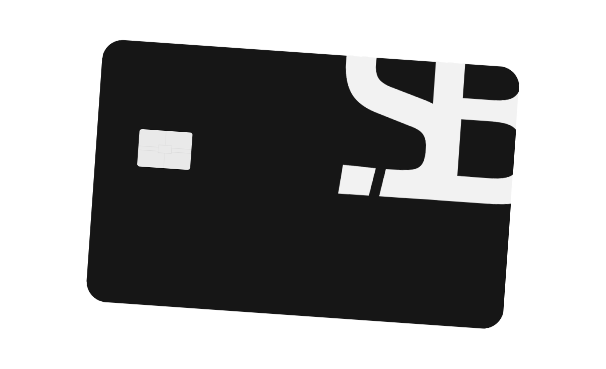
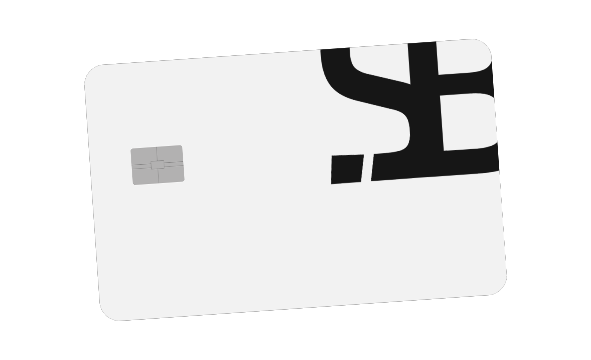
Availability and conditions are shown in the app.
Europe and Brazil. One connected experience.
Explore SB fintech: a European IBAN, EUR/BRL exchange, crypto conversion, SB Card and RentPay in one app. Features depend on your account’s availability.
Receive and move euros with your account in the app.
See the exchange rate and final amount before converting.
Explore transfers and SB Pix options available for your account.
Find references about the company, the account and privacy in the Security section.
Receive transfers and move euros with your IBAN in the app.
Choose a feature to see how it works.
Experiences with SB
“Rent Pay was the first product that made me feel a return on an expense that used to be pure cost. The logic is simple, and that keeps me in.”
SB client since 2024
“I started by paying rent and then realized the account, card and currency conversion make much more sense together than apart.”
Uses Rent Pay and Card
“The experience feels modern, but what won me over was the clarity. It does not feel like a confusing fintech trying too hard.”
Client with international usage
“SB Pix and the transparent FX flow create a real sense of progress. It is not just beautiful, it is useful in day-to-day life.”
Client operating between EUR and BRL
“I joined because of the rent benefit and stayed because of the ecosystem. When everything talks to each other, the product gets stronger.”
Uses Rent Pay, points and cashback
Before you begin
RentPay is the SB app feature for paying rent, tracking payment status and viewing receipts. Eligible payments may earn SB Points to use with SB Flights.
For SB Pay, the landlord needs an enabled SB account and business. Other payment methods have their own requirements, stated in the contract.
The fee depends on the payment method, property and contract terms. The total is shown before you confirm each payment.
SB Points require a settled, on-time and eligible payment. Cashback follows the operation’s rules; imported contracts may require validation.
Its redemption value depends on the product. In SB Flights, the amount applied and the fare reduction are shown before booking.
The app lists eligible stores, partners, and offers, with the balance, limits, and conditions shown before use.
The account uses identity verification, authentication, and data encrypted in transit. Consult the official documents for the entities, custody arrangements, and controls applicable to your service.
This page’s language does not determine coverage. Availability depends on the property’s country, account verification and the payment method enabled in the app.
Check registration for accepted countries of residence and documents. The euro account with a European IBAN requires verification and eligibility.
Check available pairs, the exchange rate, fees and the amount to receive in the app before confirming. Currencies and limits vary by account.
Transfers require an enabled route for your account. Check exchange and SB Pix options, costs, delivery time and the amount to receive in the app.
Conversion and the card are separate services. Check assets, compatible networks, top-up options and costs in the app. Availability varies by account and region.
Your next rent payment already has a date
Create your account, complete verification and explore RentPay. From this month’s rent to points for your next trip, track it all in the app.
Online registration. Availability depends on account verification and your region.